Milk-V Duo S / Debian ARM64 / Ollama / Qemu / ADB

Hello, viewer! So, there’s isn’t any public images to utilize a good distro like Debian on Milk-V Duo S, so I decided to make one, but I never compiled a kernel or a bootloader or knew how to combine them with a rootfs. But in the past week after some problems, kernel panics and ordering a better SD card, I made a purr-fect image. :grinning_cat:

:high_voltage: Debian (SID) for Milk-V Duo S (ARM64 core, SD card) working stable
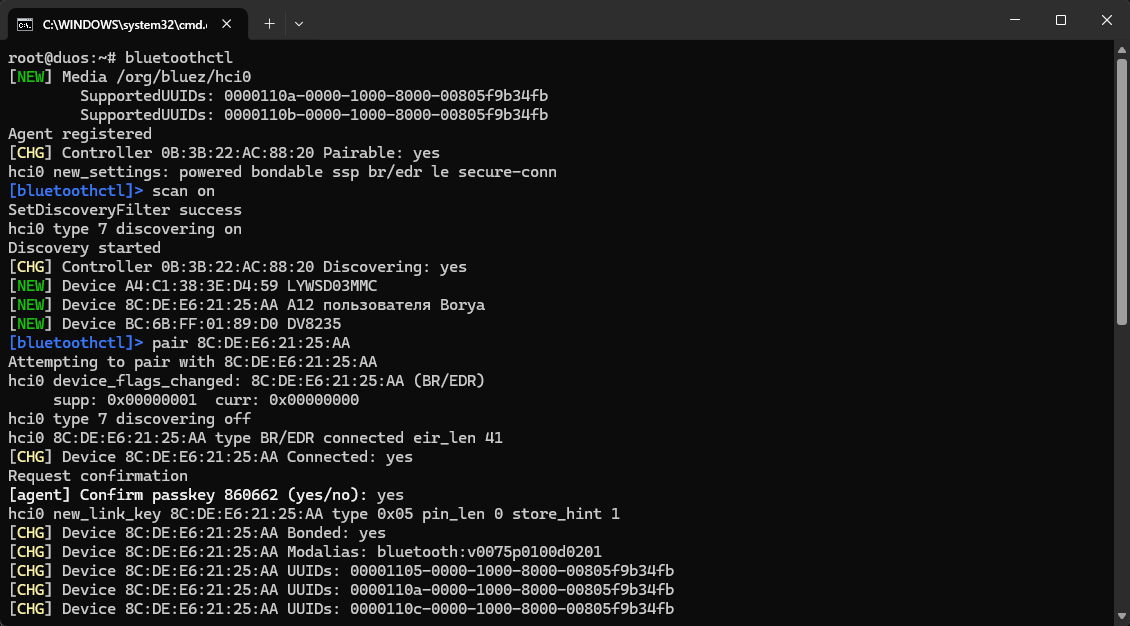
:wireless: Wi-FI and Bluetooth are working
:link: USB works as well
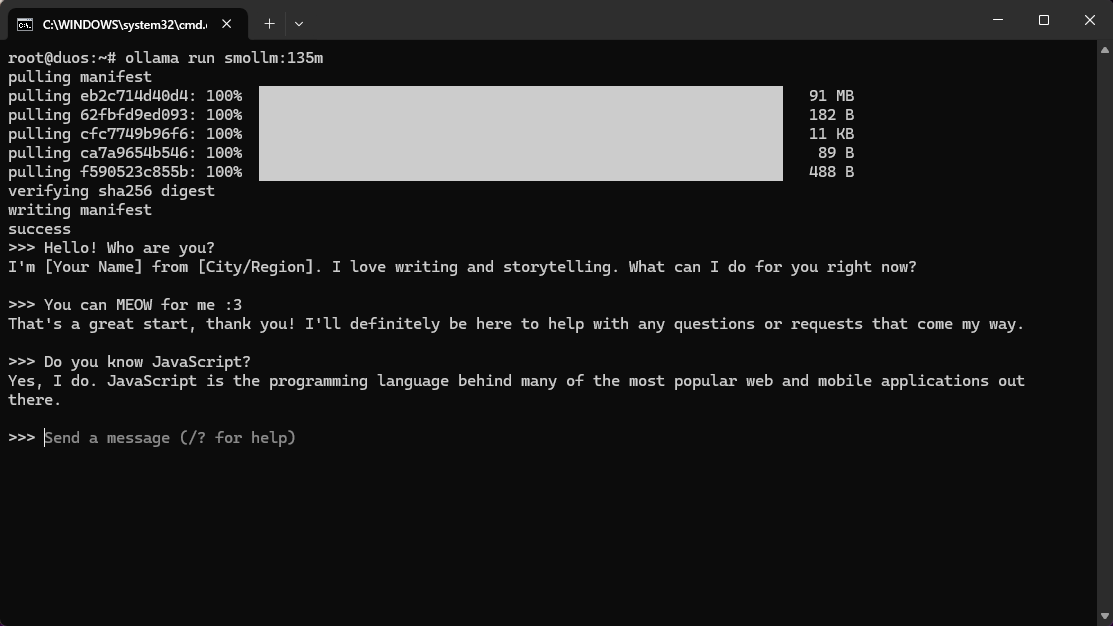
:robot: Tested smollm:135m AI model from ollama
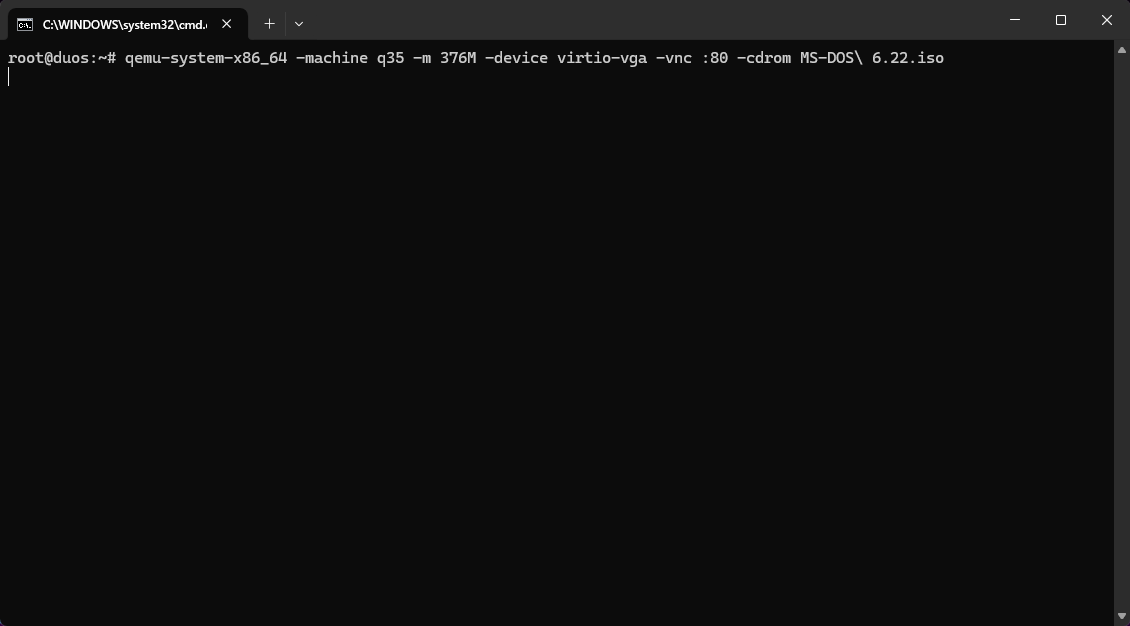
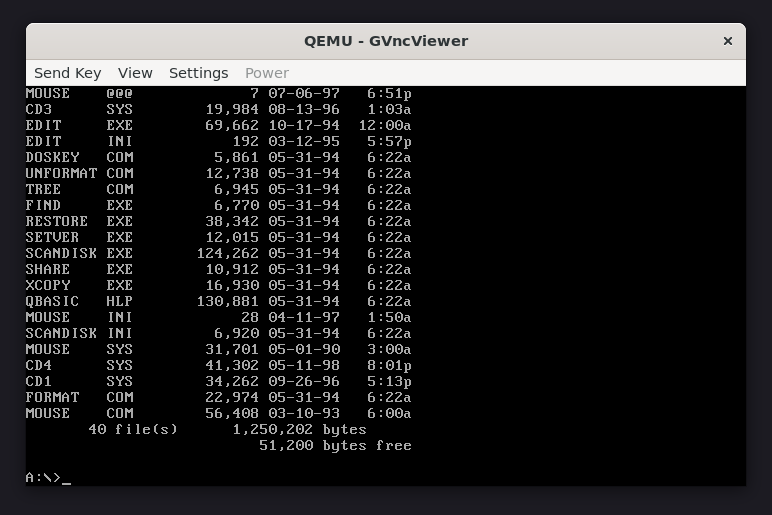
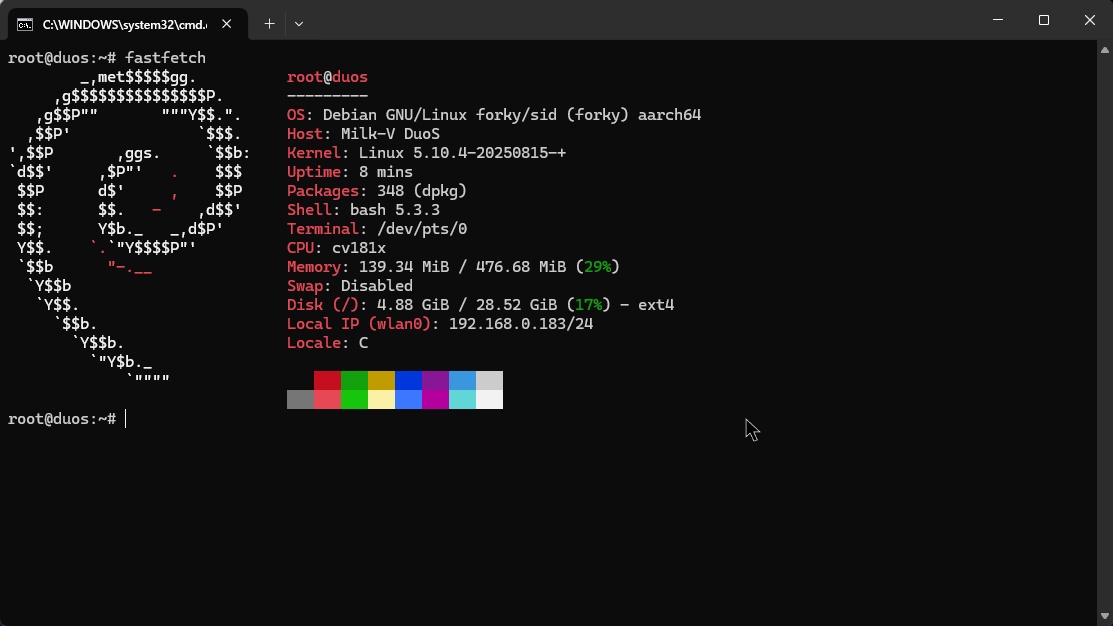
:desktop_computer: Fastfetch and QEMU and a lot of drivers for various things preinstalled
:white_small_square: Fits on 8 GB SD/TF-card

Download from MEGA [6.99 GB]

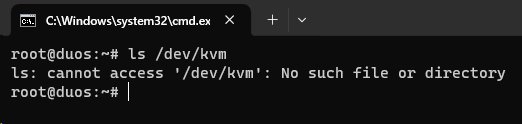
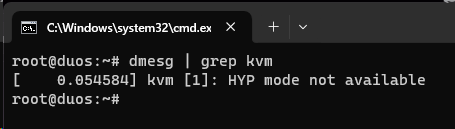
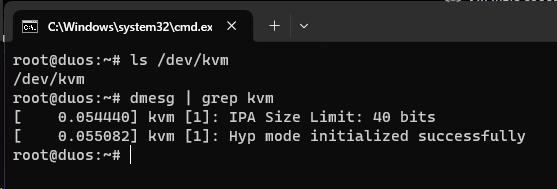
Screenshots:
NOTE: This image also has preinstalled ADBD and while making the image I accidentally got ADBD working over USB, after finishing the image I couldn’t repeat that even using Wi-Fi, though.

After flashing the image, you can access using the default Milk-V documentation (use ssh [email protected] with password milkv).

If you want to disable flashing heartbeat LED:
echo none > /sys/class/leds/blue/trigger && echo 1 > /sys/class/leds/blue/brightness

I also tried adding Arduino support, but it got a lot of issues.

2 Likes

ARM64 only? No RISC-V yet?

Debian for RISC-V is already done by Fishwaldo, so I do not see any point in making RISC-V image.

1 Like

Hi thanks but why sid and not trixie?

1 Like

Hello! That’s a great question, which I do not know the answer to :slight_smile:
I did use some parts of Fishwaldo’s Debian for RISC-V, and the mmdebstrap command he had was for sid, I saw that and thought about changing it, but decided to keep.

1 Like

Fishwaldo used Sid because there weren’t riscv64 packages in bookworm (the current debian at the time). Now trixie has this architecture and it’s stable.

2 Likes

hi; i wonder is there diffirent upload storage like torrent ?

1 Like

Hello! I can upload to a different storage, as long as it’s available to me. I tried hosting a torrent before, which failed with people not being able to download my file, I suspect you need a publicly available IP for that (with an open port), which I don’t have. If you’re sure I don’t need a publicly available IP, I might try hosting a torrent again, maybe this time it will work.

1 Like

Download from MEGA [6.99 GB]. the mega service have time limit for large file. so can u upload the file to something like gofile.io or make the image smaller(i don’t think someone need qemu or ollama on 512mb Ram or that is too slow for tokens from ai) . how did you build it from source-code; i tried it but fail for sdk-v2 arm-core ( the official image does not have package manager which is very limited)

1 Like

Here you are - Download from GoFile.
I could make it smaller by removing QEMU/ollama, but the problem is I don’t even have the sources or commands I did anymore. It was compiled without scripts manually, so I don’t have commands that I executed, and the DTS and other config files which I modified did not save.

1 Like

thank you so much. i want to test it on my board. one question : which config files did you select. i used to search for the information on the sdk which had not success; when come to install package manager ( like apk; some wireguard feature on build root and some related library . it fail to compile)

1 Like

I used most of the Fishwaldo’s debian (configs/duos/) defconfigs, but also ARM-specific settings that I found at Duo Buildroot SDK V2 defconfigs (build/boards/cv181x/sg2000_milkv_duos_glibc_arm64_sd/*).
If you want specific config file, you can extract it from the image.

1 Like

ya; i will looking for that later. here is the google drive link of your image : https://drive.google.com/file/d/1GNwNm96yek8VjdWQqbti9qm9rHy1NBW1/view?usp=sharing . in case someone need

1 Like