First, she wasn’t built for the Milk-V Duo 256m board, but for the Banana Pi BPI-F3 and/or Milk-V Juputer.
Second, she was successfully run for the first time on kernel 6.6.137 in a Qemu virtual machine.
Third, an example of startup and functionality on the Duo 256m board on kernel 5.10.4.
Fourth, I’m currently developing a package manager for installing pre-built software packages.
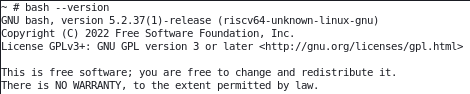
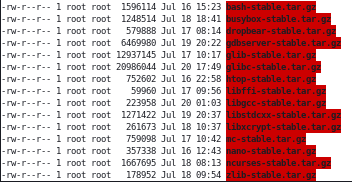
Fifth, the frontend is already working successfully, installing and uninstalling packages, but I’ve been struggling with the backend for days. I intended it to automatically build packages, but it refuses to do so. I’m forced to build them manually. Sixthly, packages such as dropbear, nano, htop, ncurses, and bash have already been compiled and successfully tested for installation/removal on the client - Duo 256m.
It is unfortunate there’s no link to the project or anything.
Well, right now I’m not ready to release my project open source. It’s still in development, and I’d like to get it to a point where I won’t be ashamed of it.
What did you want to know? I can provide screenshots. Since I’ve currently concentrated all my work on creating the package manager in the Podman container, and am testing the package manager and package functionality in the Qemu virtual machine, I can’t show how the packages will work directly on my OS on the Duo 256m board, but I can show how it’s already working in Qemu.
You can be ashamed at any point, do not worry about it. 
I suppose if you release its draft version, other people can try it and possibly even help with its development.
Moreover, if it can be compiled on a modern OS (especially on ARM and RISC-V machines), even more people will give it a try.
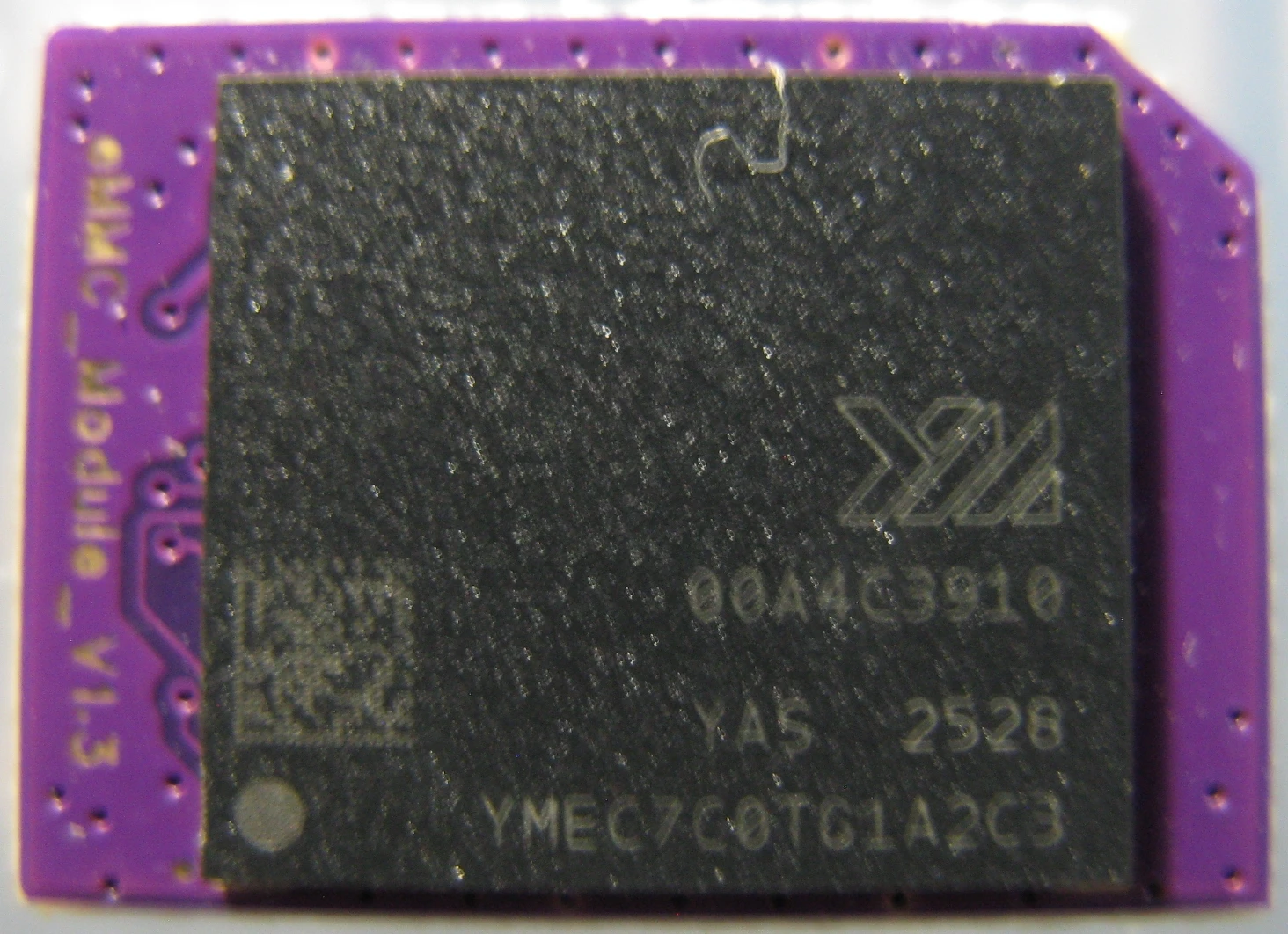
Actually, development of a package manager is currently underway, as I mentioned above, in the Podman container, but I didn’t specify the hardware. It’s Milk-V Jupiter running my previously hand-built Debian 13, where she was transferred from the memory card on the emmc module, and on the processor were installed active cooling system .
So, back to the Qemu virtual machine:
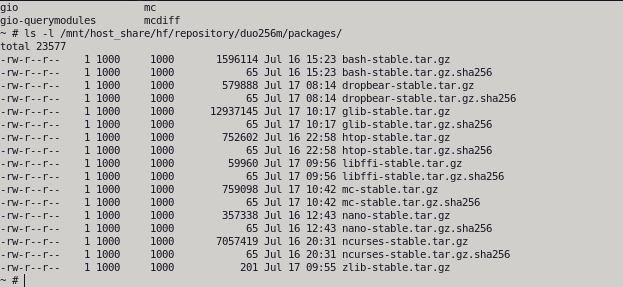
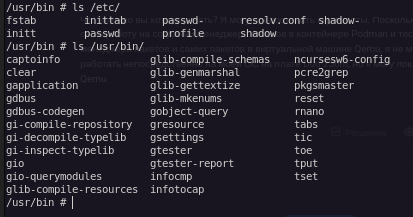
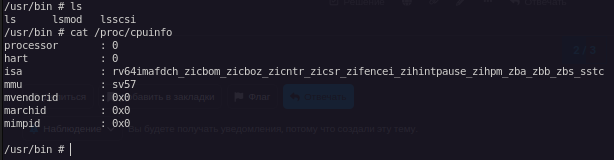
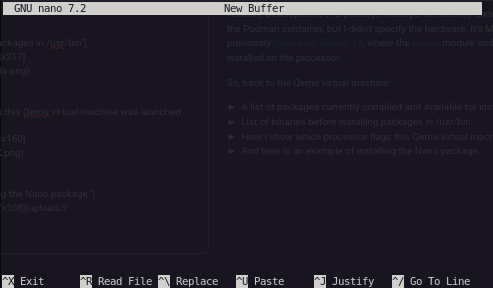
I’ve noticed some issues that can’t be resolved by changing settings.
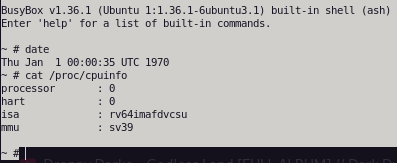

Also, the compiled and installed dropbear package does not start the server by default, and as a result, I had to write the following lines in inittab, after which the server started up and, as you can see, I am already checking this on the Duo 256m board.

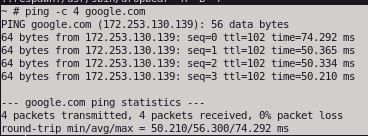
Both the Packet Manager and the network are already working on it via the RJ-45 module. However, it was discovered that when activating the network this way, USB-RNDIS is disabled during boot. However, this does allow for a full 100 Mbps speed.
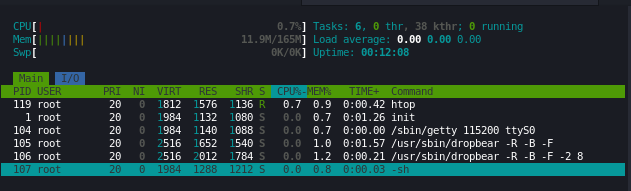
Here's a screenshot of the installed and running bash.

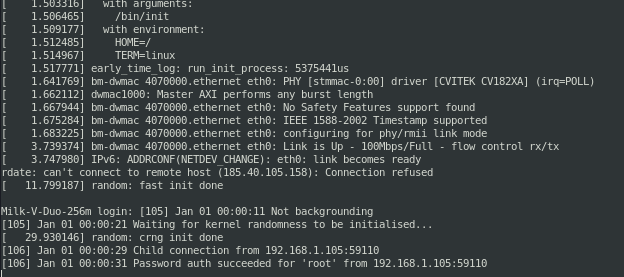
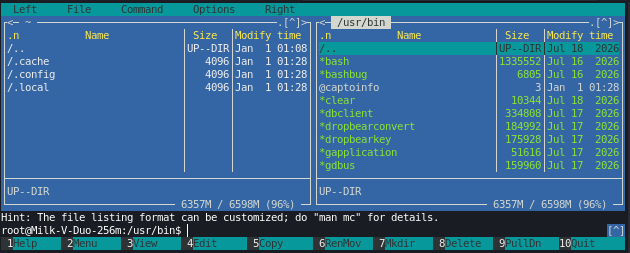
Latest fixes:
I rebuilt busybox as a package and successfully updated it directly in the OS on the board. Then I rebooted and... it works.
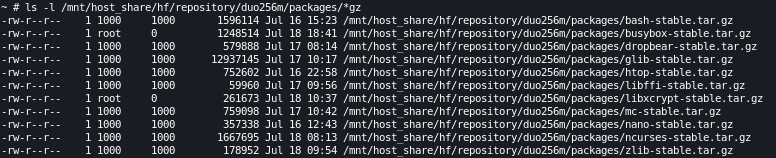
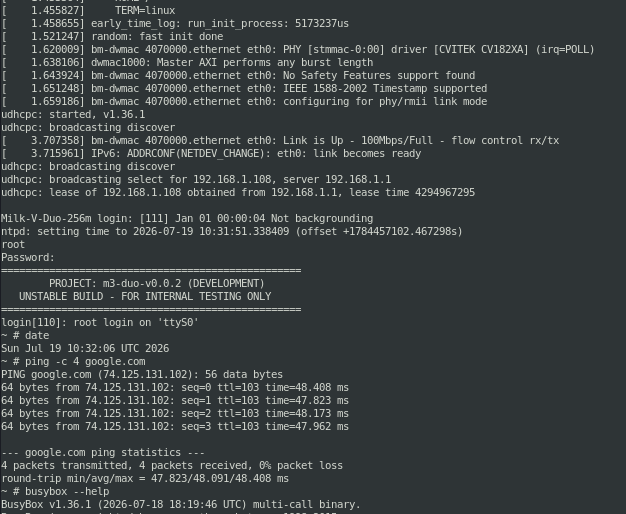
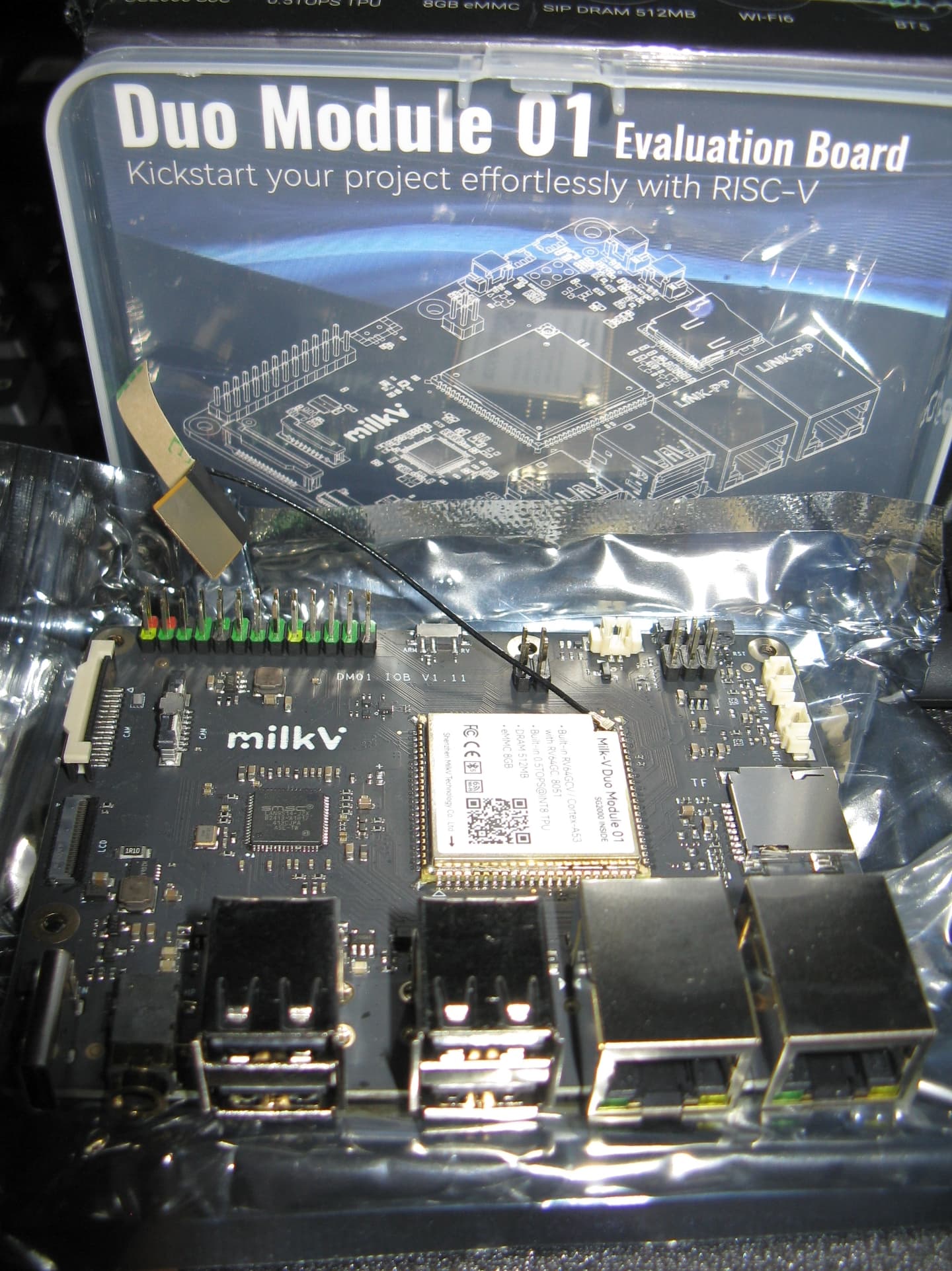
I only finished all the necessary settings this morning, and now the long-awaited package with the Duo Module 01 Evaluation Board has arrived:
I turned it on and heard symbolic noise in the UART console—so I figured there was no sign of firmware in the EMMC.
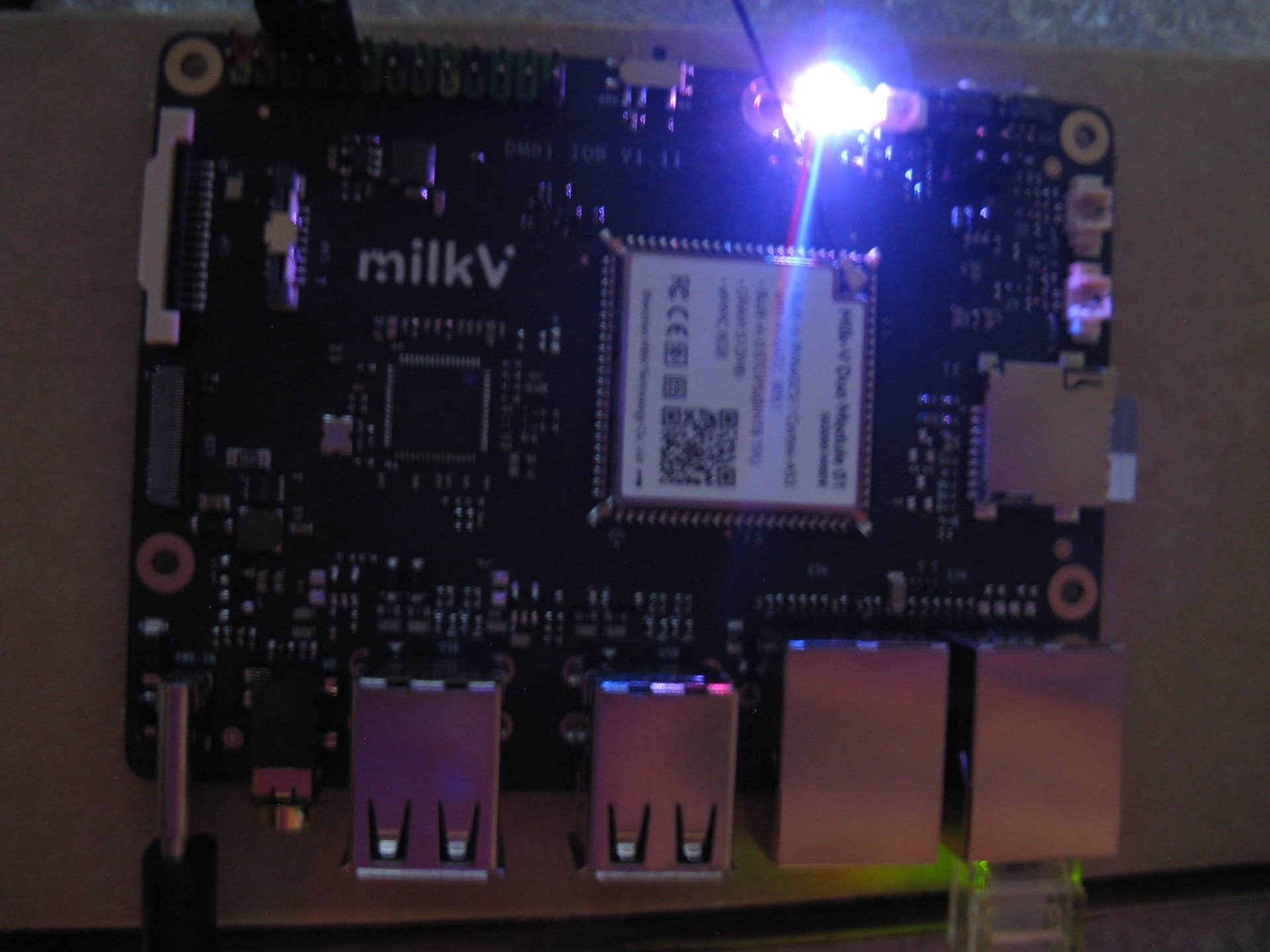
Now, despite all the warnings, I decided to test whether my OS would work. I inserted the memory card with the OS, which I'd removed from the Duo 256m board, and an Ethernet cable into the left port first, but it didn't work. Then I inserted the right port, and this worked:
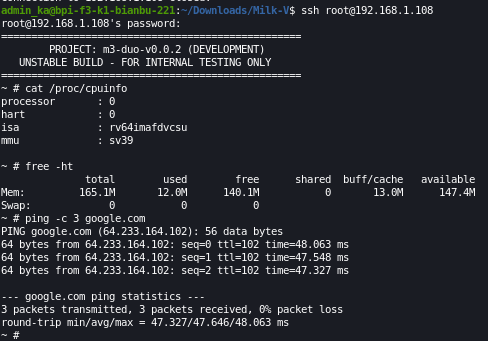
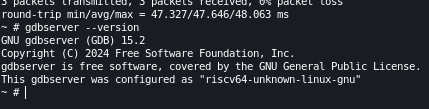
As you can see from the screenshots, 512MB of memory wasn’t detected. Only the amount allocated when compiling the kernel for the Duo 256m was detected.