I managed to port U-Boot 2025.01 with ACPI enabled to cv181x target, as well as made a custom DSDT (.asl ACPI table).
Don’t ask me why, I’m just having some fun ;D
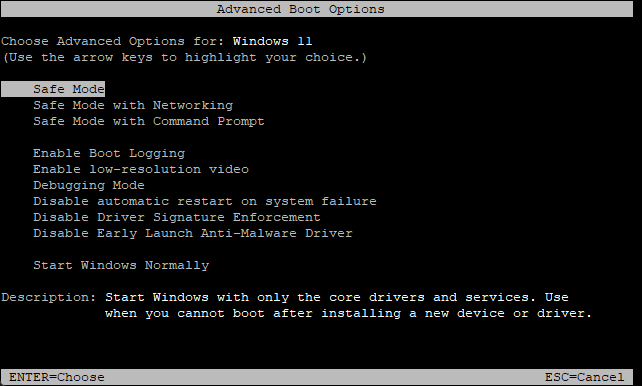
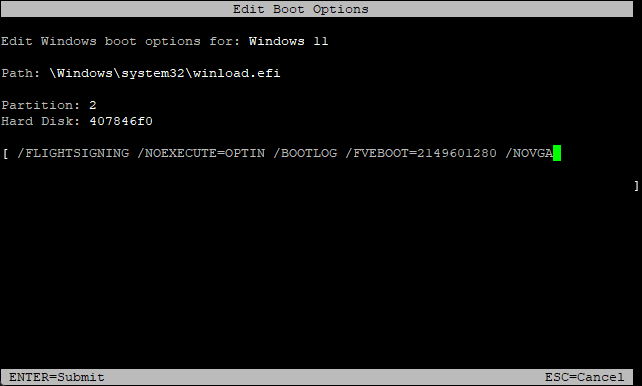
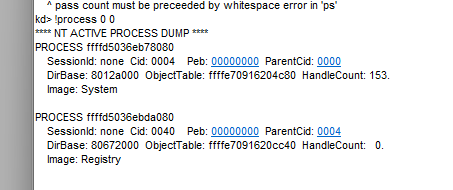
That was enough to get Windows Boot Manager running and being able to control it over serial connection:
I haven’t been able to go further (for now), but that’s a great start.
In case anyone for some random reason wants to repeat this, you can download this fip.bin and put it on an SD card’s boot partition after you’ve installed Windows on ARM on it (make sure to do that on MBR, not GPT), use bcdboot to create UEFI boot files.
If you want to access advanced boot options (the only thing that works!), use bcdedit command to enable it:
bcdedit /store R:\EFI\Microsoft\Boot\BCD /set {globalsettings} advancedoptions yes
In U-Boot over serial, you can use eficonfig to add Windows Boot Manager and make it first in boot order, then use bootefi bootmgr to actually boot, good luck.
2 Likes
do you have your ported u-boot source code somewhere on git or similar?
I quickly published the code, I’ll warn you that this code is definitely not production-ready or something, AI was used to help with porting, DSDT is not guaranteed to be fully correct, as well as the code has been modified since above fip-acpi.bin has been compiled, so it’s a little bit different (SPI/DTS were changed since then).
3 Likes
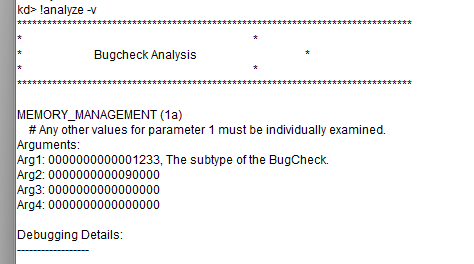
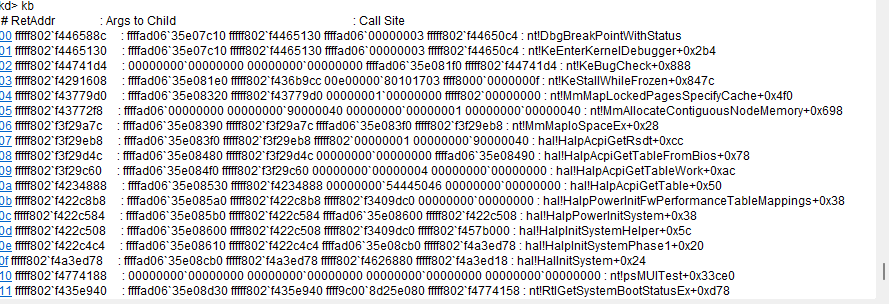
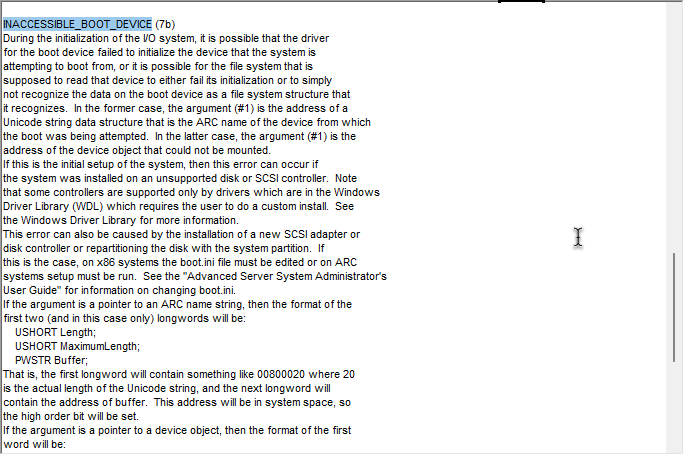
Don’t worry, I didn’t forget about it, thanks to my friend we managed to get kernel debugger connection working (the main reason is the AI generated ACPI tables were wrong) and now we’re actually getting a normal human-readable BSOD.
We will have native Windows on Milk-V Duo S sometime… 
I ported a new version of U-Boot (latest 2026 main branch!) and my friend reworked ACPI, again.
As well, as I had to get more stable installation of Windows.
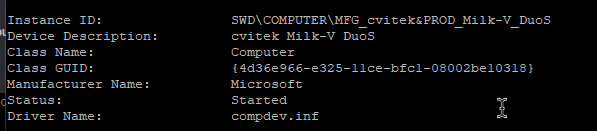
And now, Milk-V Duo S technically runs Windows 11 on ARM. 
Just a few bare minimum processes, until it BSOD’s because there’s no driver to access the boot SD card itself.
1 Like
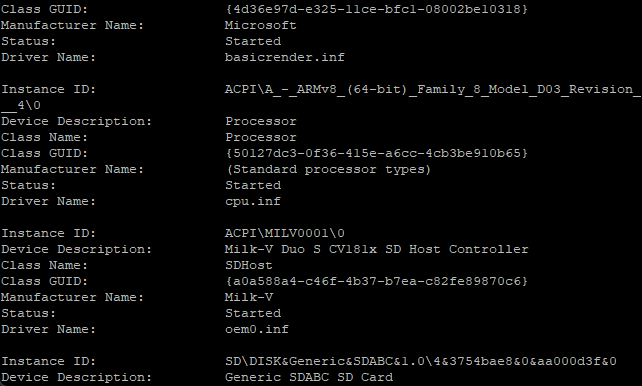
We might have made a kernel driver for SD card storage.
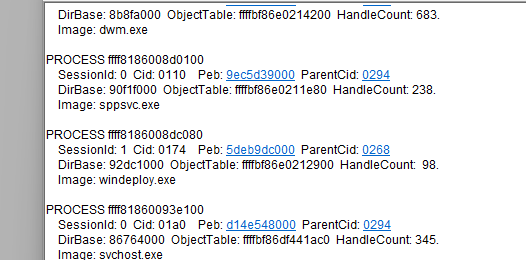
This allows Milk-V Duo S to actually… Start services, dwm, even Defender, enter windeploy stage! That is an insane progress.
1 Like
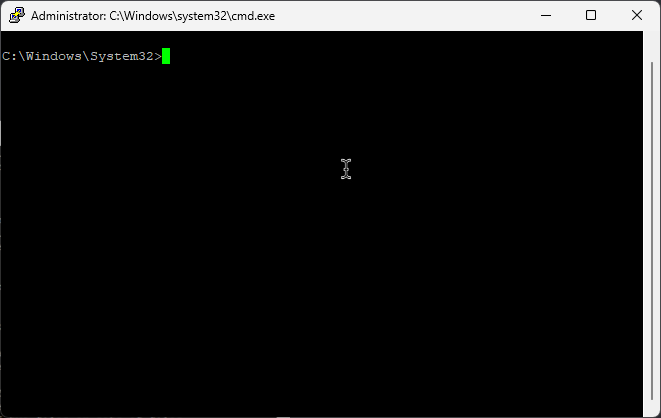
We got EMS working, which allows us to actually access user-mode Windows, like a cmd.exe.
Another fun fact: We actually kind of got graphics output, by coding an application that makes a screenshot of the screen and saves it to the SD card. While this is not the best solution, it kinda works, at least a bit.
To get better graphics output and user control, next logical step should be getting RDP. The problem in that not the RDP itself, but the lack of network at all, so logical step before that is working network, like a Ethernet driver.
Omg is that an Ethernet driver for the Duo S??
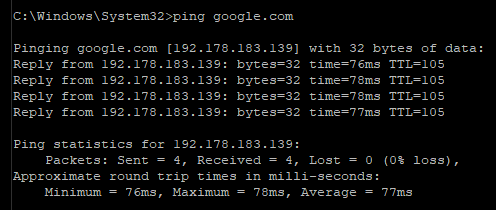
No way, working ping command, working DNS and DHCP… RDP soon??
Actually, previous Ethernet wasn’t 100% working - it didn’t receive any connections, other devices couldn’t even ping the Duo S, but that was fixed in the driver.
After Windows reinstallation fro Home to IoT Enterprise to get RDP - it doesn’t work.
The problem to that is RAM, which always was. The build WAS actually tested on 512 MB of RAM in a VM and it worked fine, only because of the paging file.
And Windows strictly forbids paging file on removable devices, such as SD cards.
This results in no paging file on Duo S and huge problems with lack of RAM, failing to run programs and no RDP.
1 Like
maybe you can try something like server core does and use only winrm to connect?
Isn’t Server Core a headless system with no GUI? So winrm will only give you a oommand prompt
If so, I don’t see much benefits to doing that, since… We already have a command prompt through EMS over serial, and my next goal for fun would be getting a GUI
If you mean Server Core like a lightweight system to use less RAM - sure, it might help, and you’ll get a nice headless system
But my goal personally is not really use less RAM, I would somehow get Windows to make a pagefile anyway, get a GUI over RDP and have fun there 
1 Like