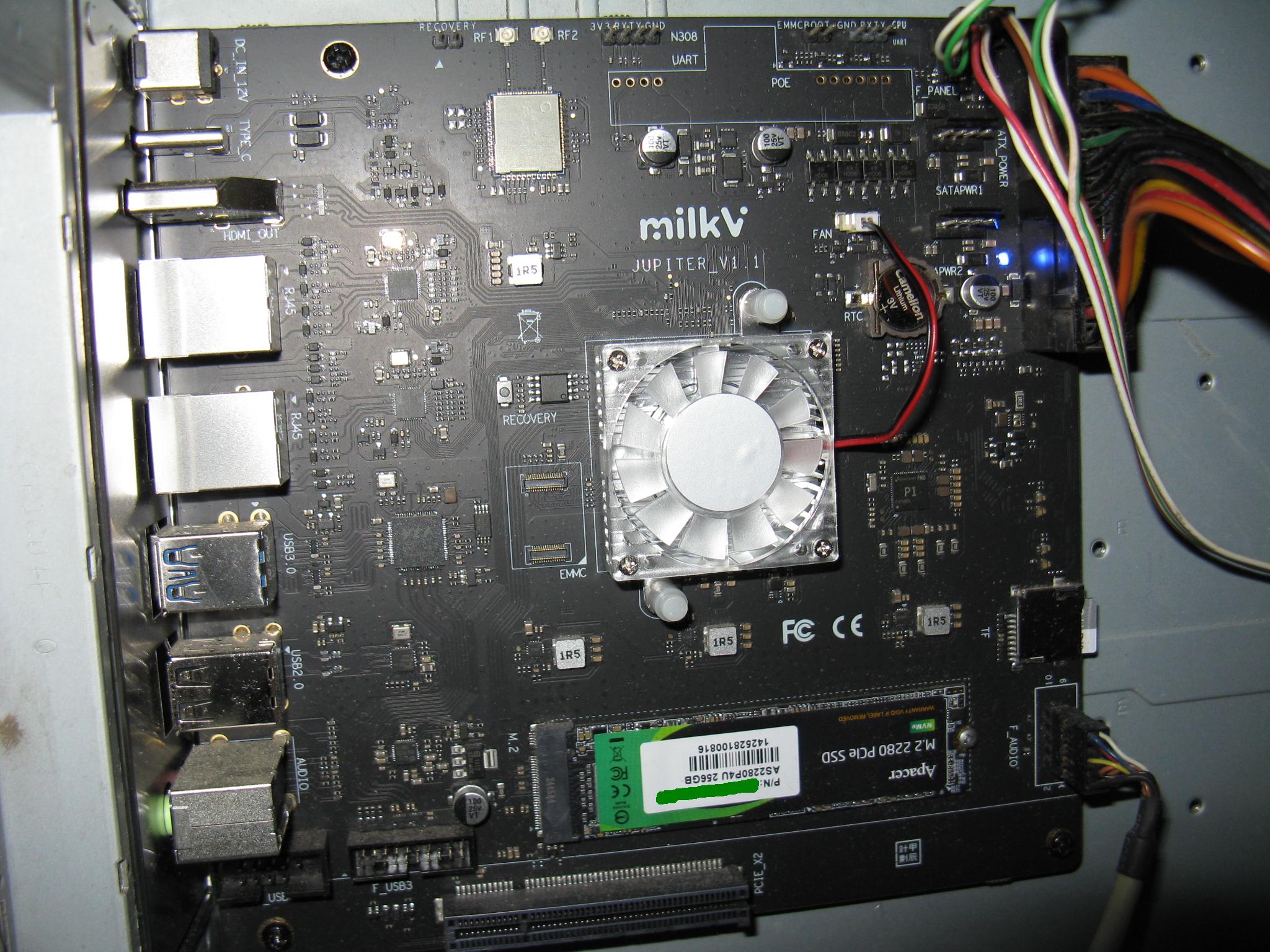
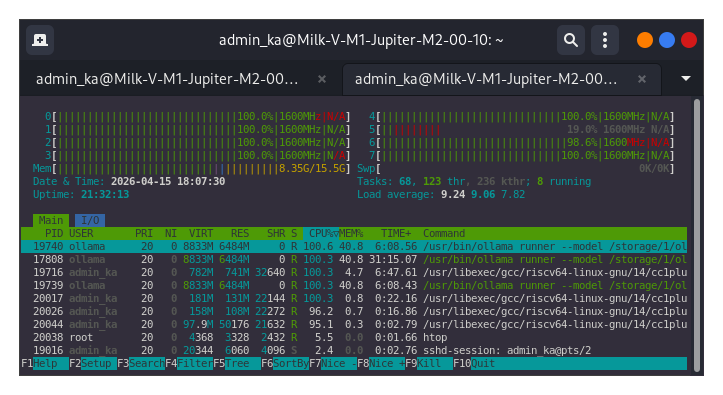
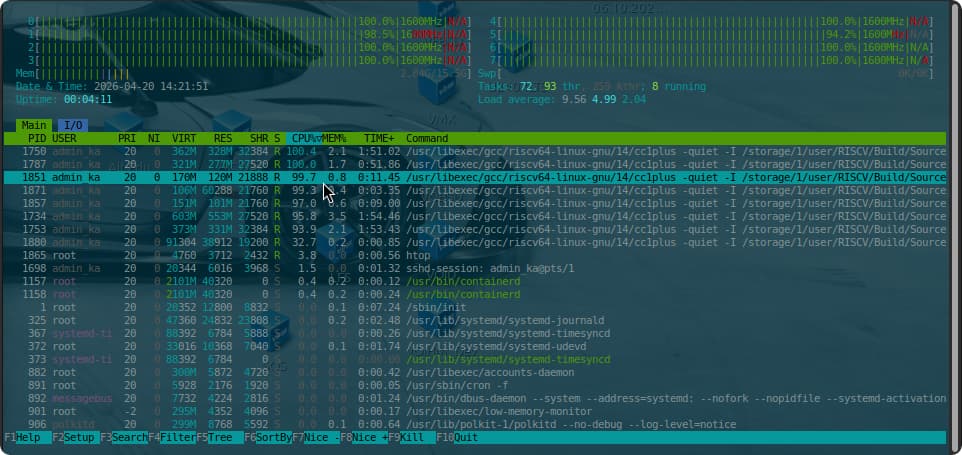
for the Milk-V Jupiter motherboard. I installed it, booted the system, running a build from the llama.cpp source code for load CPU.
I’m checking temperature sudo nvme smart-log /dev/nvme0 | grep ‘^temperature’ && sensors . Finally, at temperatures above 55 degrees Celsius, the cooler deigns to turn on.
Than i’m checking with
For M1 running Bianbu later than some versions, due to some changes in BSP kernel (K1/M1 now shares the same V-F table), you’ll need to manually enable “boost“, otherwise it will just stay at 1.6GHz like all other K1/X1 chips.
As I mentioned earlier, I manually switched the processor frequency.
I’m currently trying to figure out what needs to be done to automatically switch the frequency, with a cooler installed, between idle and load modes, such as compiling a program from source code. That is, when no such operations are taking place, the frequency should automatically return to 1600 GHz, and when the load returns, say, when launching an AI model, the frequency should increase back to 1800 GHz. The cooling system should also turn on and select the appropriate RPM depending on the load on the processor, and then turn off when there is no load.
$ sudo apt search cpufrequtils
linux-cpupower/stable 6.12.73-1 riscv64
CPU power management tools for Linux
$ sudo nano /etc/systemd/system/cpu-governor.service
[Unit]
Description=Set CPU Governor to schedutil
After=sysinit.target
[Service]
Type=oneshot
ExecStart=/bin/bash -c ‘for cpu in /sys/devices/system/cpu/cpu*/cpufreq/scaling_governor; do echo schedutil > $cpu; done’
RemainAfterExit=yes
[Install]
WantedBy=multi-user.target
$ sudo systemctl daemon-reload
$ sudo systemctl enable cpu-governor.service
$ sudo systemctl start cpu-governor.service
$ sudo systemctl status cpu-governor.service
● cpu-governor.service - Set CPU Governor to schedutil
Loaded: loaded (/etc/systemd/system/cpu-governor.service; enabled; preset: enabled)
Active: active (exited) since Mon 2026-04-20 16:34:40 ; 1h 9min ago
Invocation: 6b9b9fc213a4476ca11f314df05f62ae
Process: 889 ExecStart=/bin/bash -c for cpu in /sys/devices/system/cpu/cpu*/cpufreq/scaling_governor; do echo schedutil > $cpu; done (code=exited, statu>
Main PID: 889 (code=exited, status=0/SUCCESS)
Mem peak: 1.7M
CPU: 72ms
Apr 20 16:34:40 Milk-V-M1-Jupiter-M2-00-10 systemd[1]: Starting cpu-governor.service - Set CPU Governor to schedutil…
Apr 20 16:34:40 Milk-V-M1-Jupiter-M2-00-10 systemd[1]: Finished cpu-governor.service - Set CPU Governor to schedutil.
lines 1-11/11 (END)
I enabled the Boost function manually. After doing so, the maximum frequency unlocked was 1800. Naturally, everything reset after a system reboot. Attempting to add the corresponding settings to /etc/systemd/system/cpu-governor.service
[Unit]
Description=Setting the CPU governor and enabling Turbo Boost
After=sysinit.target
[Service]
Type=oneshot
ExecStart=/bin/bash -c ‘echo 1 > /sys/devices/system/cpu/cpufreq/boost && for cpu in /sys/devices/system/cpu/cpu*/cpufreq/scaling_governor; do echo schedutil > $cpu; done’
RemainAfterExit=yes